AI Audio Tools For Your Voiceover Project
These are Listen2It's own AI audio tools. Listen2It is an AI audio suite, and its tools fall into two groups. Voiceover, music, sound effects and your own voices, whether cloned, designed or remixed, meet in one multi-track editor. Dubbing, the voice changer and the voice isolator sit beside the editor, on the same account and the same credits.

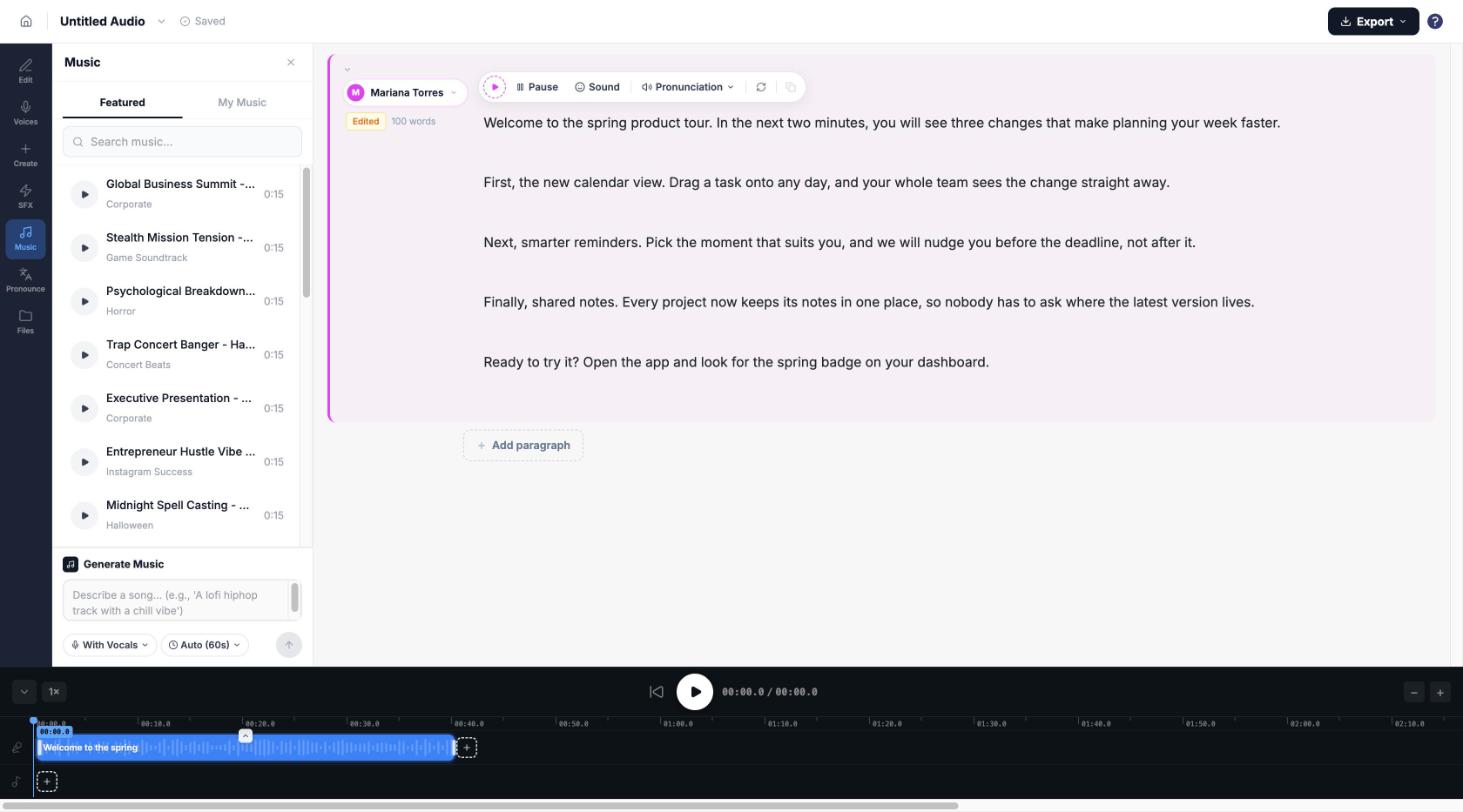
Make It In One Editor
Most people come for a voice first. Start there, then add the rest without leaving the Studio.
- Studio:turn a script into a voiceover, block by block, with music and sound effects on a second lane under it.
- Voice cloning:make a voice from a short sample of your own, 10 to 30 seconds long.
- Voice design:describe the voice you want in words and get it, with no recording needed.
- Voice remix:blend two voices into one new voice.
- Music:make background music or pick a track inside the editor, and it sits under your voiceover.
- Sound effects:make a sound effect or pick one inside the editor, and place it on the same timeline.
Voice cloning, design and remix all open from inside the Studio.
Beside The Editor, On The Same Account
These three work on files you already have. Each one is its own tool on the same account.
- Dubbing:upload an audio or video file and get it back dubbed into another language, with 23 languages to choose from. Each job takes one file, up to 50MB or 10 minutes.
- Voice changer:change the voice in a recording you already have, and keep or drop the background.
- Voice isolator:pull a clean voice out of a noisy recording.
Came here to clean up audio? The voice isolator is the tool for that. Everything on this page is in the product today.
One Credit Allowance For Every Tool
You don't pay per tool. One monthly credit allowance spends across every tool, each at its own rate. The Free plan is $0 and includes every voice, and commercial rights come with the paid plans.
See what it costsLast updated: 3 November 2026.