AI Voice Cloning
Free AI voice cloning: create an AI voice clone from a short sample
Turn a 10 to 30 second recording into an AI voice clone of your own voice, then use it for course narration, video voiceovers, podcasts, and ads in 30 languages. No studio. No voice actor. Just your voice, on demand.
- A 10 to 30 second sample of your voice
- Speaks 30 languages in your voice
- Consent-first & encrypted
What is it?
Your voice, recreated by AI — ready to use in minutes
Voice cloning uses advanced AI to learn the unique characteristics of your voice — your tone, your accent, your natural rhythm — from a short recording. Once it is created, your AI voice clone can narrate anything you type in the studio, in any of 30 languages. It's not one of the stock AI voices. It's yours.
The old way is broken
Keeping your voice consistent shouldn't cost this much
Re-recording, editing, and outsourcing add up fast — every time your script, language, or format changes.
Endless re-recording
Script changed? New language needed? Every update means another recording session, another round of editing, and another delay before you can publish.
Inconsistent quality
Background noise, off days, mismatched mic setups — recorded audio varies wildly. Your audience deserves the same crisp, consistent voice every time.
Impossible to scale
One channel is manageable. But a course platform, a podcast, multilingual ads, and social clips? You can't record everything yourself — and you can't afford to outsource it all.
Why Listen2it voice cloning
Everything a professional needs from a voice clone
Built for creators, educators, and marketers who need their voice — not a generic AI voice — on every piece of content they produce.
A true replica, not an approximation
Listen2it analyses your tone, pitch, pacing, and natural inflections. The result preserves what makes your voice distinctly yours across every piece of content — not a robotic imitation.
Ready in minutes, not days
Upload a 10 to 30 second recording and your voice clone is ready to use. No lengthy training queues, no waiting for a team to process your files.
Speak 30 languages
Your cloned voice can narrate in 30 languages, with all seven emotion presets in each one. Launch in English today and add Spanish or Hindi next week, all in your voice, without a new recording.
Fine-tune every narration
Add pauses, pick one of seven emotion presets, and set custom pronunciation for brand names or technical terms directly in the studio. Your clone, your control.
Built-in consent & security
Your voice data is yours. Listen2it requires explicit authorization for every cloning request and keeps your voice model encrypted and private.
Use cases
Your voice. Every format. Any scale.
One voice model, working everywhere your content lives: launch in English today, add Spanish and Hindi next week, all in your voice.
Online course narration
Record your intro once — your clone handles every module, new lesson, and language.
YouTube & social video
Voiceovers for Shorts, Reels, and long-form at scale — no re-recording, no mic setup.
Podcast production
Fix mistakes, add segments, or produce whole episodes from your script — no mic.
Marketing & ad campaigns
Localised ad voiceovers in 30 languages, in one consistent brand voice.
Corporate training & L&D
Narrate onboarding and compliance in your voice — update content any time.
Audiobooks & long-form
Narrate books in your own voice — consistent across hundreds of pages.
How it works
From a short sample to speech in your voice
Upload or record your sample
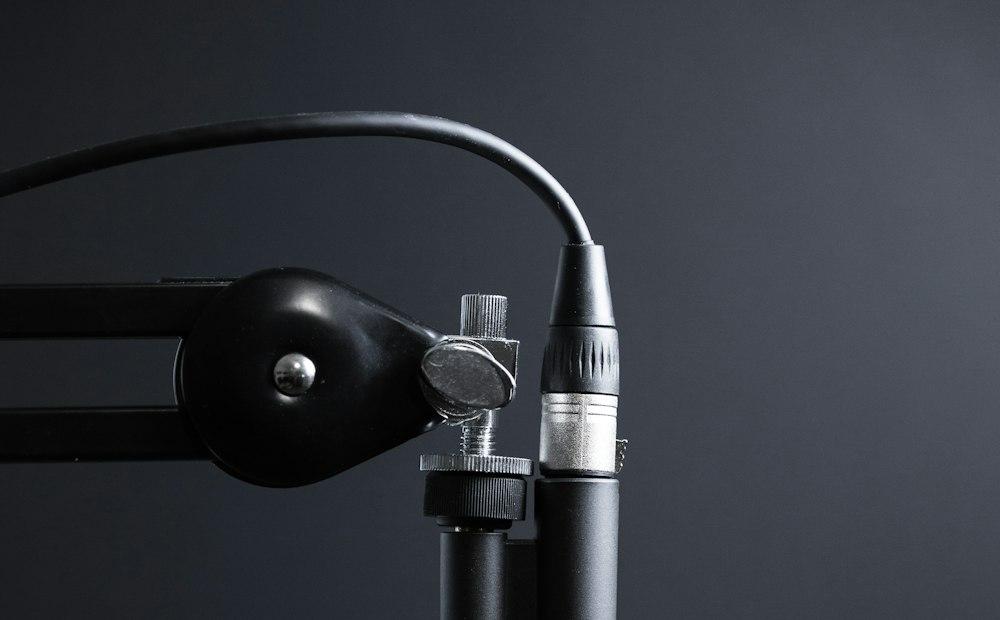
Record a short, clear clip — or upload an existing recording. A quiet room and a decent mic are all you need. A 10 to 30 second sample is enough.
Listen2it AI learns your voice
Our AI analyses your audio — studying your tone, pitch, rhythm, and natural inflection patterns — and builds a voice model that captures what makes your voice distinctly yours.

Generate speech from any text
Type or paste any script into the studio. Your cloned voice narrates it on demand in any of 30 languages, with the seven emotion presets and your pronunciation settings. Export as MP3, a voice-and-music mix, or SRT captions.
Built on advanced AI
Powerful technology. Responsible design.
Production-grade voice AI with security and consent built into every layer — so your voice stays yours.
Captures every vocal detail
Neural networks trained on thousands of hours of speech learn pitch, tone, accent, rhythm, and emotional delivery — not just surface-level sound.
Your voice data stays yours
Recordings and models are never shared, never used for training without consent, and never sold. Encrypted storage protects your data at every step.
Consent-first cloning
Every cloning request requires explicit authorization. You can only clone your own voice, or voices you have written permission to use.
NVIDIA Cloud Validated
Listen2it's AI infrastructure is NVIDIA Cloud Validated — a mark of quality, performance, and reliability for production-grade voice content.
What customers say on Capterra
Real voices. Real results.
“In the biggest languages, the voices sound nearly human.”
“…an impressive natural-like array of voices and great customer support.”
“It is so easy to use it and have a great natural voices.”
See it in action
Two steps to your voice clone
Upload a short sample, then type any script and hear it back in your voice, in any of 30 languages.
FAQ
Frequently asked questions
What is AI voice cloning and how does it work?
AI voice cloning uses advanced machine learning to create a digital replica of your voice from an audio sample. Listen2it analyses your tone, pitch, accent, and speaking patterns, then builds a voice model that can narrate any text in your voice — instantly, on demand.
How much audio do I need to clone my voice?
A 10 to 30 second recording of clear speech. Record in a quiet room and speak the way you want the clone to sound.
Can my cloned voice speak in other languages?
Yes. Your voice clone can narrate in 30 languages: Arabic, Burmese, Chinese, Danish, Dutch, English, Finnish, French, German, Greek, Hebrew, Hindi, Indonesian, Italian, Japanese, Khmer, Korean, Lao, Malay, Norwegian, Polish, Portuguese, Russian, Spanish, Swahili, Swedish, Tagalog, Thai, Turkish, and Vietnamese. The seven emotion presets work in every one of them, so you can publish in more languages in your voice without recording in them.
Is voice cloning legal?
Yes, when used responsibly. You can freely clone your own voice for any purpose. Cloning another person's voice requires their explicit written consent. Listen2it builds consent verification into the cloning process, and our platform is designed to prevent unauthorised or harmful use.
How is my voice data protected?
Your audio recordings and voice model are encrypted in transit and at rest. Listen2it never shares your voice data with third parties or uses it for training without your explicit consent. Your voice belongs to you.
Can I use my cloned voice commercially?
All paid plan subscribers receive full commercial rights to audio generated using their cloned voice. You can use it in paid courses, ad campaigns, client deliverables, and more. Check the Listen2it terms of service for full details.
What if I want to update or delete my voice model?
You can delete your cloned voice from the Listen2it studio at any time. To change it, create a new clone from a fresh sample.
Is AI voice cloning free?
Creating a voice clone needs a free account and a recorded consent confirmation. On a paid plan, each voice clone uses 100 credits.
What is the difference between voice cloning and text to speech?
Text to speech reads your script with one of the stock AI voices. Voice cloning creates an AI voice clone of your own voice first, so the same text to speech reads your script in your voice.
Your voice, ready for everything you create
Record a short clip, clone your voice, and start narrating in your own voice in 30 languages. Free to start.