
 Audio has created a boom in the online world. While browsing the internet throughout the day, you might come across some interesting stories. The article is too long to read in one sitting, so you open it in a new tab and save it for later. However, you may not read up on it for a week, or a month, and you will probably still maintain a new tab in your browser, as it gets old and is of no interest to you. Consider listening to an article.
Listening to an audio article is a good alternative if you regularly fall behind in your reading. Along with browsing your favorite articles and websites, you can commute, exercise, work, and relax at the end of the day. You can listen to this article by clicking on the play button given on the top of this article.
Over the last few years, audio has seen a tremendous increase in demand & popularity. Especially talking about audio articles, it has created quite a buzz among the users of the internet and has become a primary medium of content consumption. A recent study shows that the share of time spent listening to spoken word audio has increased by 20%.
Audio has created a boom in the online world. While browsing the internet throughout the day, you might come across some interesting stories. The article is too long to read in one sitting, so you open it in a new tab and save it for later. However, you may not read up on it for a week, or a month, and you will probably still maintain a new tab in your browser, as it gets old and is of no interest to you. Consider listening to an article.
Listening to an audio article is a good alternative if you regularly fall behind in your reading. Along with browsing your favorite articles and websites, you can commute, exercise, work, and relax at the end of the day. You can listen to this article by clicking on the play button given on the top of this article.
Over the last few years, audio has seen a tremendous increase in demand & popularity. Especially talking about audio articles, it has created quite a buzz among the users of the internet and has become a primary medium of content consumption. A recent study shows that the share of time spent listening to spoken word audio has increased by 20%.
In this article, we share with you the best tools for converting your article into an audio version and help your readers listen to an article:
Listen2It
[caption id="attachment_441" align="aligncenter" width="1439"]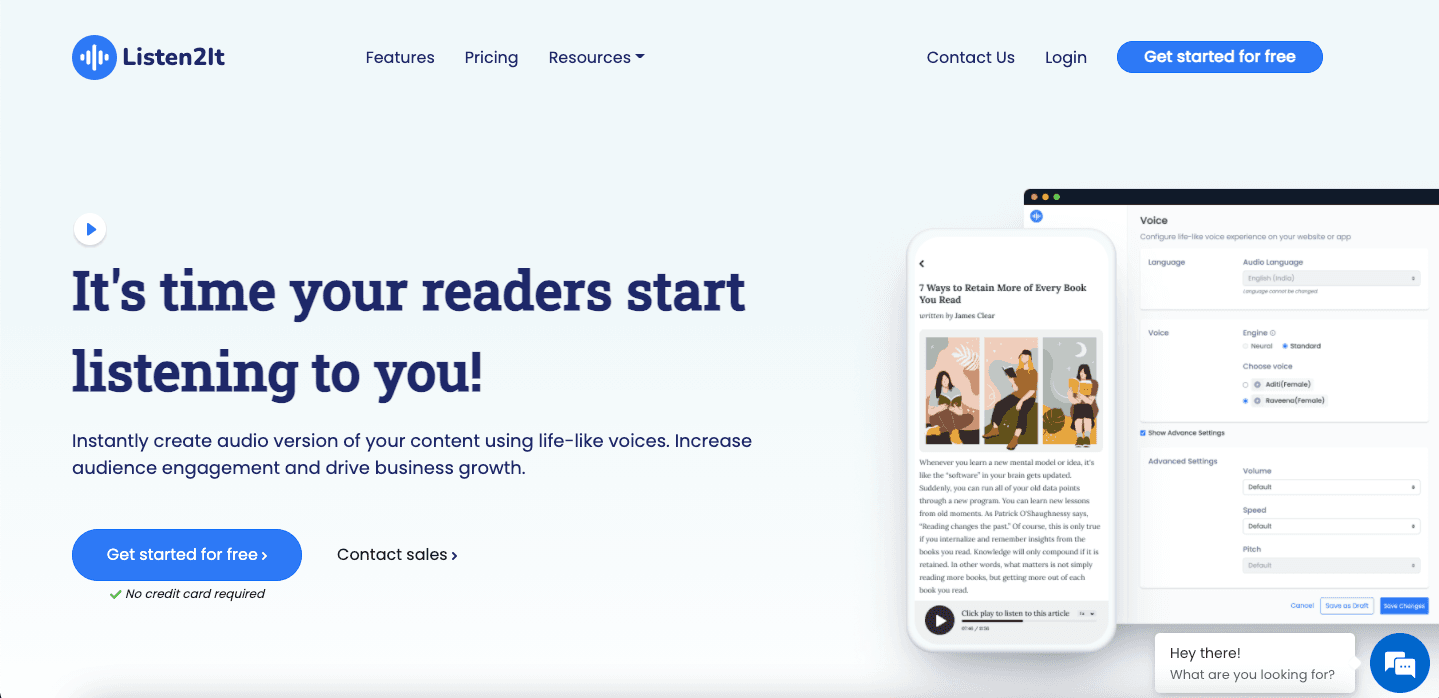 Source: Listen2It[/caption]
Consider this tool as an alternative to reading articles if you intend to listen to an articles. Enhance your marketing strategies by making use of the software and attracting more audio listening audiences. Personalizing your brands voice is now easy with Listen2It, with an option of more than 900+ lifelike text-to-speech voices in 140+ languages.
Level up the listening experience with advanced audio controls including pitch, speed, and tone, allowing for an endless array of combinations. Moreover, audio insights and analytics will enable users to optimize their content based on their audio performance. And you can customize the play button according to your brands requirements.
Source: Listen2It[/caption]
Consider this tool as an alternative to reading articles if you intend to listen to an articles. Enhance your marketing strategies by making use of the software and attracting more audio listening audiences. Personalizing your brands voice is now easy with Listen2It, with an option of more than 900+ lifelike text-to-speech voices in 140+ languages.
Level up the listening experience with advanced audio controls including pitch, speed, and tone, allowing for an endless array of combinations. Moreover, audio insights and analytics will enable users to optimize their content based on their audio performance. And you can customize the play button according to your brands requirements.
WebsiteVoice
[caption id="attachment_439" align="aligncenter" width="1000"]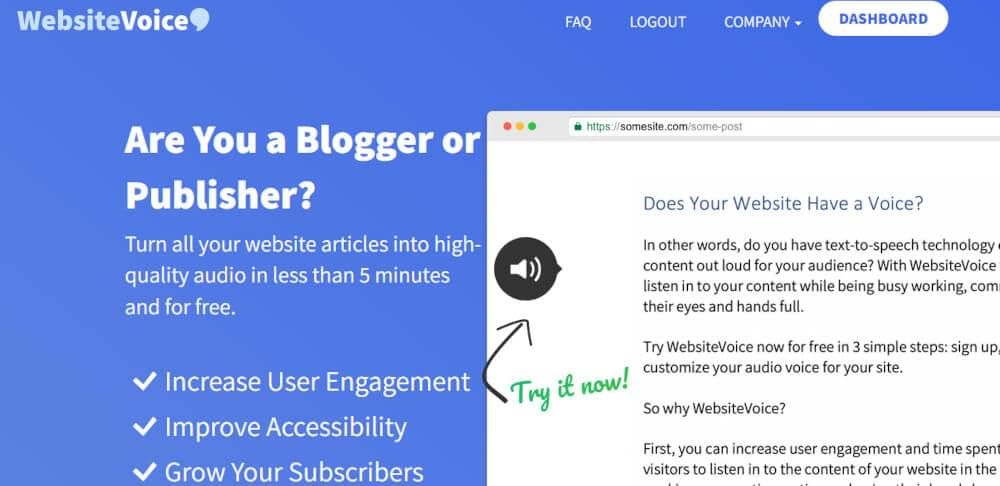 Source: WebsiteVoice [/caption]
One of the most advanced Text-to-Speech applications on the Internet, WebsiteVoice reads to you the content available on a website. Listening to online content with total control can be done by embedding this player on many websites or blogs.
Customize the widget to fit your website theme or branding and choose AI-based voices from 38+ different languages. WebsiteVoice is convenient if you prefer to listen to a text rather than read it. These features will be helpful to those with a busy schedule, people with visual impairments, or people who prefer listening to text rather than reading it.
Source: WebsiteVoice [/caption]
One of the most advanced Text-to-Speech applications on the Internet, WebsiteVoice reads to you the content available on a website. Listening to online content with total control can be done by embedding this player on many websites or blogs.
Customize the widget to fit your website theme or branding and choose AI-based voices from 38+ different languages. WebsiteVoice is convenient if you prefer to listen to a text rather than read it. These features will be helpful to those with a busy schedule, people with visual impairments, or people who prefer listening to text rather than reading it.
Play ht
[caption id="attachment_979" align="aligncenter" width="1895"]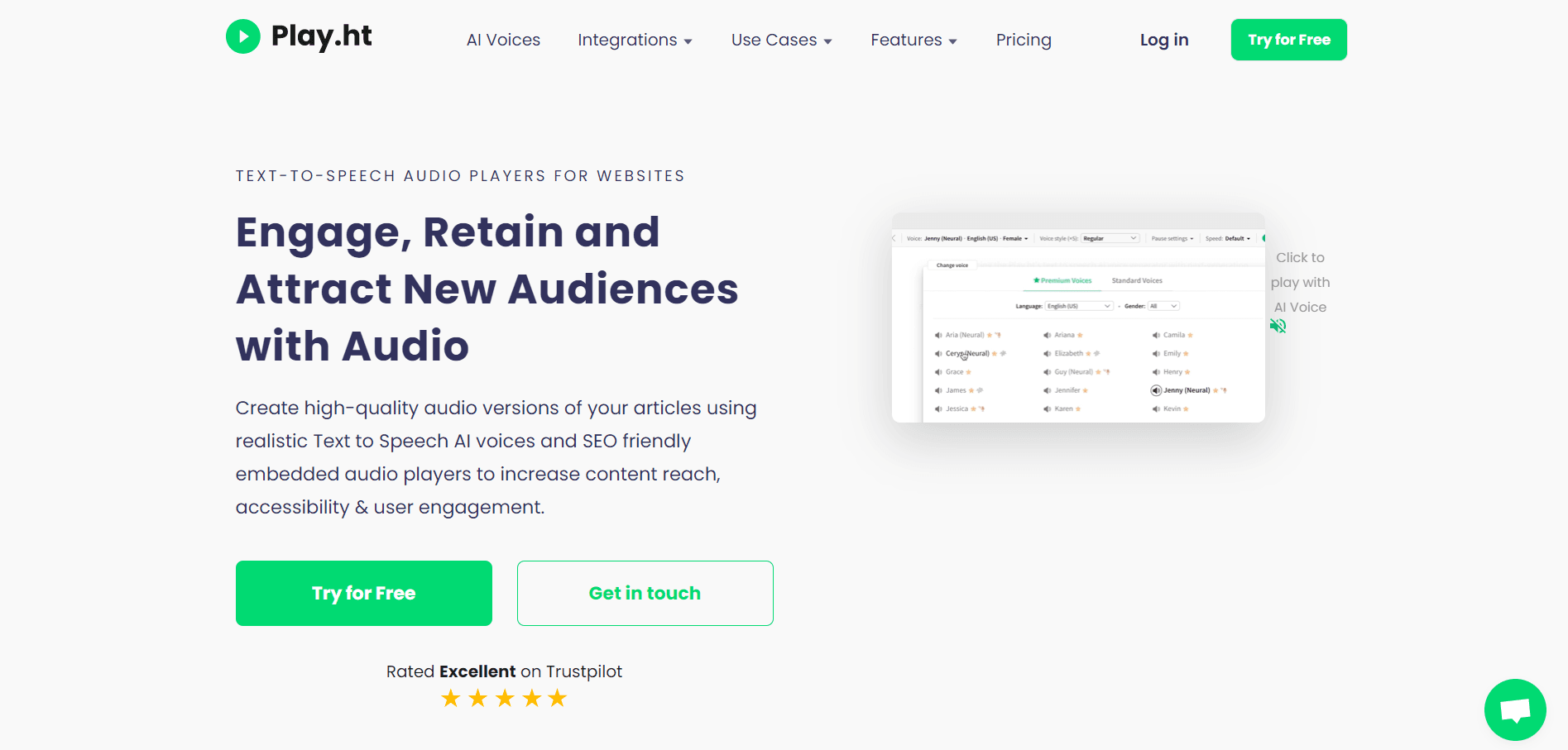 Source: Play ht[/caption]
Play ht provides 120+ languages in 907 voices. If you are looking for a text-to-speech convertor to convert your articles to audio. Play offers great features, they stand by the fact that audio is the next big thing in the digital realm. And constantly work on improving their audio that helps audience listen to an article in better ways.
Various formats like importing an audio, downloading audio and customizing audio button are available with play ht.
Source: Play ht[/caption]
Play ht provides 120+ languages in 907 voices. If you are looking for a text-to-speech convertor to convert your articles to audio. Play offers great features, they stand by the fact that audio is the next big thing in the digital realm. And constantly work on improving their audio that helps audience listen to an article in better ways.
Various formats like importing an audio, downloading audio and customizing audio button are available with play ht.
Speechify
[caption id="attachment_980" align="aligncenter" width="1896"]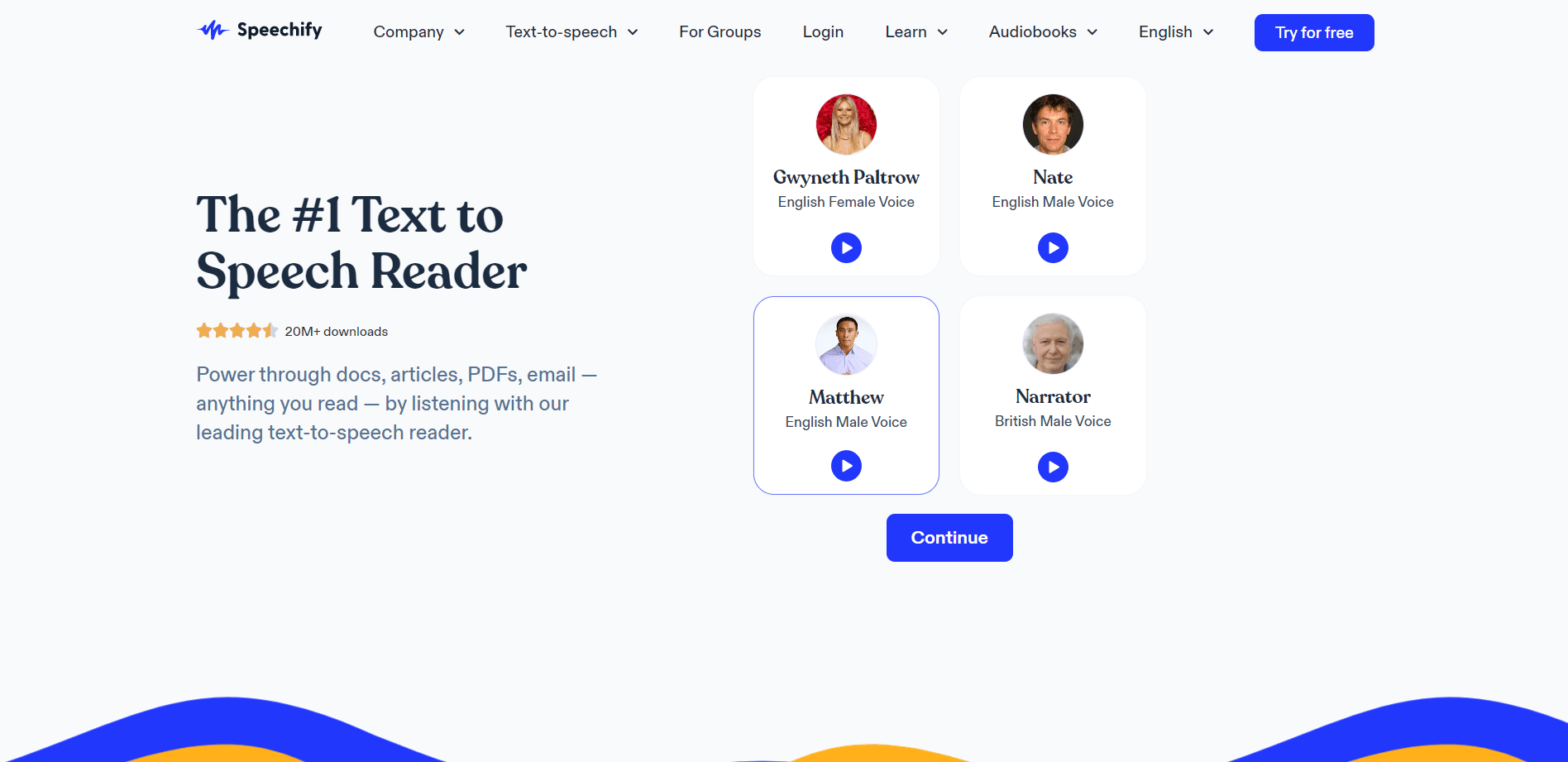 Source: Speechify[/caption]
A text can be turned into an audiobook with Speechify. As a result, readers will become more productive, increase their retention rate, and improve their understanding. It is one of the apps that will read to you with a voice that is generated through artificial intelligence that sounds more human.
The document can be uploaded as a file or from Google Drive and synced across multiple devices. As a result, you have better control over the pace at which the text is read aloud to you. Furthermore, Speechify is available for both iOS and Android users.
Source: Speechify[/caption]
A text can be turned into an audiobook with Speechify. As a result, readers will become more productive, increase their retention rate, and improve their understanding. It is one of the apps that will read to you with a voice that is generated through artificial intelligence that sounds more human.
The document can be uploaded as a file or from Google Drive and synced across multiple devices. As a result, you have better control over the pace at which the text is read aloud to you. Furthermore, Speechify is available for both iOS and Android users.